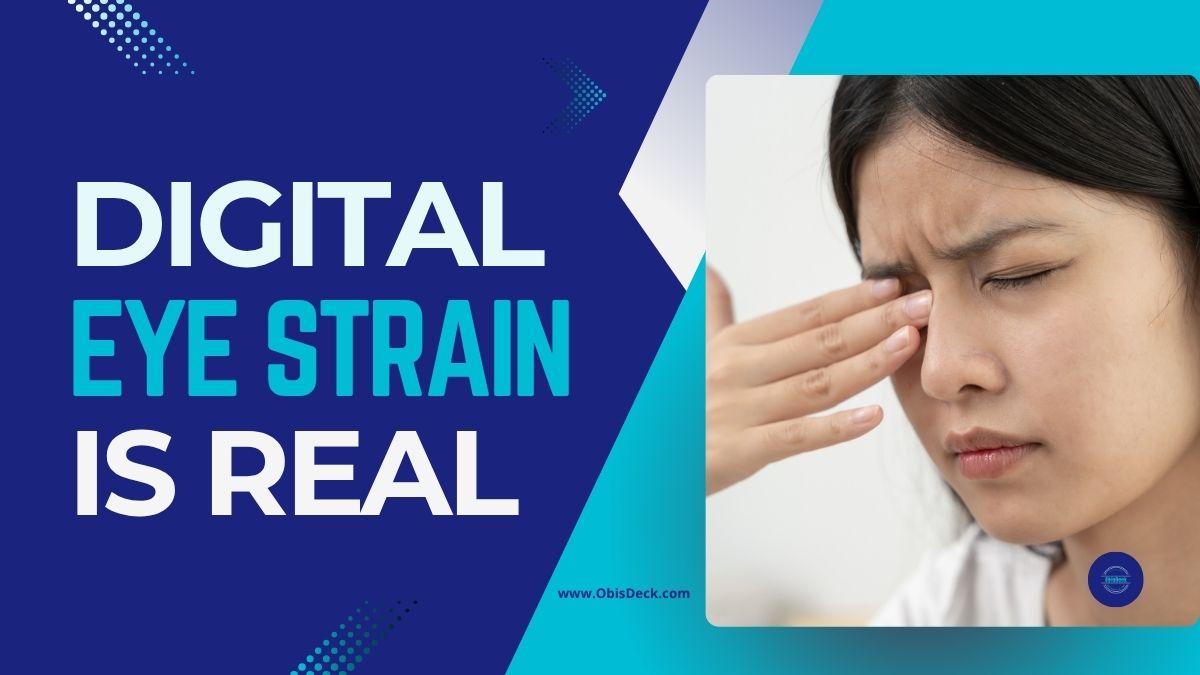
Introduction: The Hidden Strain of Modern Life
It is late at night, and your phone screen glows inches from your face. Your eyes burn, your head feels heavy, and when you finally switch off, sleep doesn’t come easily. Sound familiar?
You are not alone. Research shows that the average adult now spends over seven hours a day in front of digital screens — phones, laptops, TVs, tablets. For professionals, creators, and students, it’s even higher. The result? A silent epidemic of digital eye strain and disrupted sleep.
Enter blue-light blocking glasses — hailed by some as a wellness hack and dismissed by others as hype. As someone who lives at the intersection of content creation and wellness expertise, I have dug deep into the science, the user experience, and the practical benefits. Here’s what you need to know.
What Exactly Is Blue Light?
Blue light is part of the visible light spectrum, with high-energy, short wavelengths. It comes from the sun (good in moderation) but also floods out of our screens — laptops, smartphones, and LED lighting.
The problem is timing. During the day, blue light can boost alertness and productivity. But at night, excess exposure can suppress melatonin, the hormone that helps you sleep. Prolonged daily exposure has also been linked to digital eye strain, headaches, and blurred vision. Research shows that blue light can suppress melatonin and disrupt sleep cycles.
Why Screen Time Is Becoming a Health Crisis
The modern lifestyle means screen time is no longer optional — it is work, school, entertainment, and even social life. In surveys, professionals report:
- Insomnia after late-night scrolling.
- Eyestrain and dryness after long Zoom sessions.
- Headaches from switching between multiple screens.
Eye specialists now warn that while blue light won’t “burn your retina” overnight, years of exposure without countermeasures can compound stress on the visual system.
What Are Blue-Light Blocking Glasses?
Blue-light blocking glasses are designed with special lenses that filter high-energy visible light before it reaches your eyes. Depending on the brand, they may have clear lenses for everyday use, or amber/yellow lenses that block more light (especially for nighttime).
Potential benefits:
- ✅ Less eye strain during long screen sessions.
- ✅ Reduced glare and flicker sensitivity.
- ✅ Better sleep quality when used in the evening.
- ✅ Fewer headaches linked to digital fatigue.
Do they work for everyone? No. Some studies show mixed results. But thousands of users — from gamers to office workers — report noticeable relief. As with most wellness tools, it’s about stacking small wins.
Who Should Consider Wearing Them?
If you fall into one of these groups, glasses might make a big difference:
- Office professionals spending 8+ hours on a laptop.
- Students studying late at night.
- Content creators, coders, designers, or video editors.
- Gamers and streamers.
- Parents who worry about kids’ screen habits.
As one optometrist puts it: “Lifestyle changes are the foundation, but for heavy screen users, glasses are a simple, affordable extra layer of protection.”
How to Choose the Right Pair
Not all glasses are created equal. Here’s what to look for:
- Frame comfort — You’ll be wearing them for hours.
- Lens clarity — Clear lenses for day use, amber for heavy night use.
- Anti-glare coating — Reduces reflections from office or studio lights.
- Price vs. quality — Don’t chase the cheapest; balance value and durability.
👉 One of the most reliable starting points is this pair of Blue-Light Blocking Glasses on Amazon (Affiliate Link). They’re affordable, lightweight, and effective for everyday use.
Complementary Habits for Digital Wellness
Glasses work best when combined with smart habits:
- 🔆 Turn on “Night Shift” or “Blue Light Filter” mode on devices after sunset.
- 👁 Follow the 20-20-20 rule: every 20 minutes, look 20 feet away for 20 seconds.
- 🌙 Keep screens away in the hour before bed.
- 💧 Stay hydrated — dehydration can make eye strain worse.
Think of glasses as part of a toolkit, not a standalone cure. Explore more tips in my guide on healthy screen habits.
Real-World Results
While the science is still evolving, users worldwide share real benefits:
- “I no longer get splitting headaches after long gaming sessions.”
- “I fall asleep faster, even after late-night laptop work.”
- “As a teacher grading papers online, my eyes don’t burn like before.”
And yes — as a content creator myself, I’ve noticed that editing video for hours feels less harsh with glasses on.
Conclusion: A Small Change With Big Payoff
Blue-light blocking glasses won’t solve all your digital wellness problems. But if you spend hours on screens — and let’s be honest, we all do — they’re a simple, affordable tool worth testing. How to Choose the Right Pair

Your eyes deserve better. Your sleep deserves better. And your productivity depends on both.
👉 If you’re curious to try them, start with this recommended pair on Amazon.Check this affordable pair of blue-light blocking glasses on Amazon and if you want to take your digital wellness further, subscribe to my newsletter — I share simple, science-backed tips every week to help you work smarter, rest deeper, and live better.


 Obi'sDeck