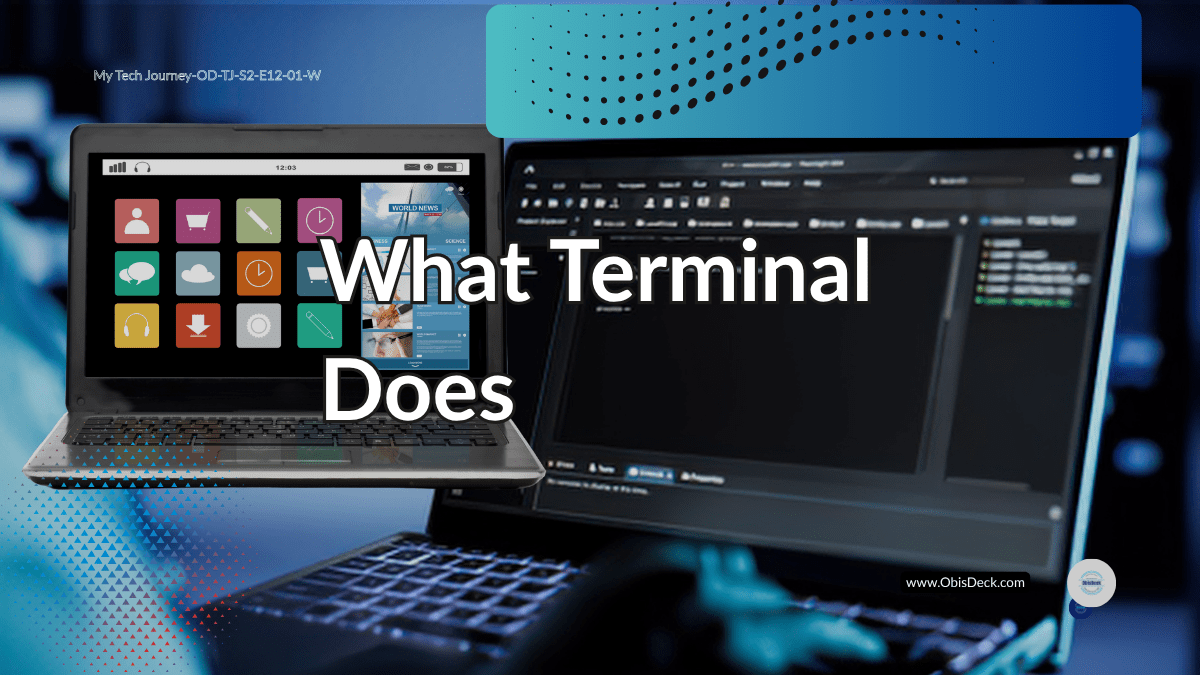
For an average computer user, the digital screen is all they need. Users navigate their way through the digital screen- finding icons of their choices and clicking open anyone they intended to use to get their desired results.
But the Terminal can do the same thing the digital screen does. It can even do more. However, it is different. Almost invisible to the average computer user. When I first saw the Terminal, I didn’t understand it. I didn’t know it even existed in the way I discovered later. I thought it was something meant to be used by Microsoft Administrators for installation of softwares on a computer. Something that if you strayed into the area you are likely going to break something and spoil your computer. So I dreaded it. Avoiding it like a plague. Now my increased interests in Information technology forced my hands in a way that when I got more information I ventured.
A black screen.
A blinking cursor.
Commands I didn’t recognise.
It felt intimidating.
As I had thought, it felt like something meant for “real programmers.”
The First Misconception

I thought the terminal was:
complicated
advanced
not for beginners
So I avoided it.
What Changed My Perspective
At some point, I had no choice but to use it. My study had presented it as an entry point into coding. Its use became inevitable. It meant a quick access to files on my PC, almost in their raw state. I discovered that it possessed more power that I even gave it credit for- one that gave incredible access to bulk changes on files, ranging from renaming, transfer, location etc. Of course, I am going to be dealing with files a lot and there is no other way of getting ahead without understanding the terminal. It makes understanding the files system a lot more easier and in addition to :
Running Python scripts.
Navigating folders.
But like every system, the Terminal has its own language- a medium of communication that you must know, especially the basic ones, to be able to interact with it. In fact, learning just a few of them prepared me in no small measure for what lay ahead. Those same syntax structures of the Terminal language, gave me a foot into the very first entry into Python. Though different in a lot of ways, it provided major insights into how programming languages are formulated and what I should expect going forward. And slowly, something became clear:
The terminal is not complex.
It is just:
a way to talk to your computer
What It Actually Does
When you type a command, you are simply saying:
- Go here
- Show me this
- Run this file
That’s all.
From Fear to Familiarity
The more I used it, the less intimidating it became.
Commands started making sense.
- cd → change directory
- ls → list files
- python file.py → run code
Why It Matters
The terminal teaches something important:
control
You are no longer clicking randomly.
You are telling the system exactly what to do.
What I Learned From This Stage
- The terminal is not advanced—it is fundamental. Experiences might be different from what it mean for one beginner to another but for me it enhanced my understanding of file path and made learning file handling in Python a lot more easier than should have been.
- Commands are just instructions- Incidentally the commands mere seem complicated at first, but it is not and that you will discover from continuous use. Rather, it gives you much more control than the digital screen would have given.
- Confidence comes from use, not theory. As I mentioned previously, consistency beats intensity always. It is not different with Terminal. You build confidence and get more relaxed with it as you practice. While theory, may well introduce you to it, practice is essential not only for being more confident with Terminal but also learning Python.
Where This Leads Next
Understanding tools is one thing. It is just a step.
Using them to solve problems is another. It is a direct connection to the imperative of understanding the tool. And to make that connection from understanding tool to using it to solving problems is a bridge that usually appears and must be crossed when it does. That bridge is Debugging.
That is the next step is- Debugging with intention
Tech Journey — Season 1, Episode 12 (OD-TJ-S2-E12-B)
Stage: Logic, Errors & the Terminal


1 Comment